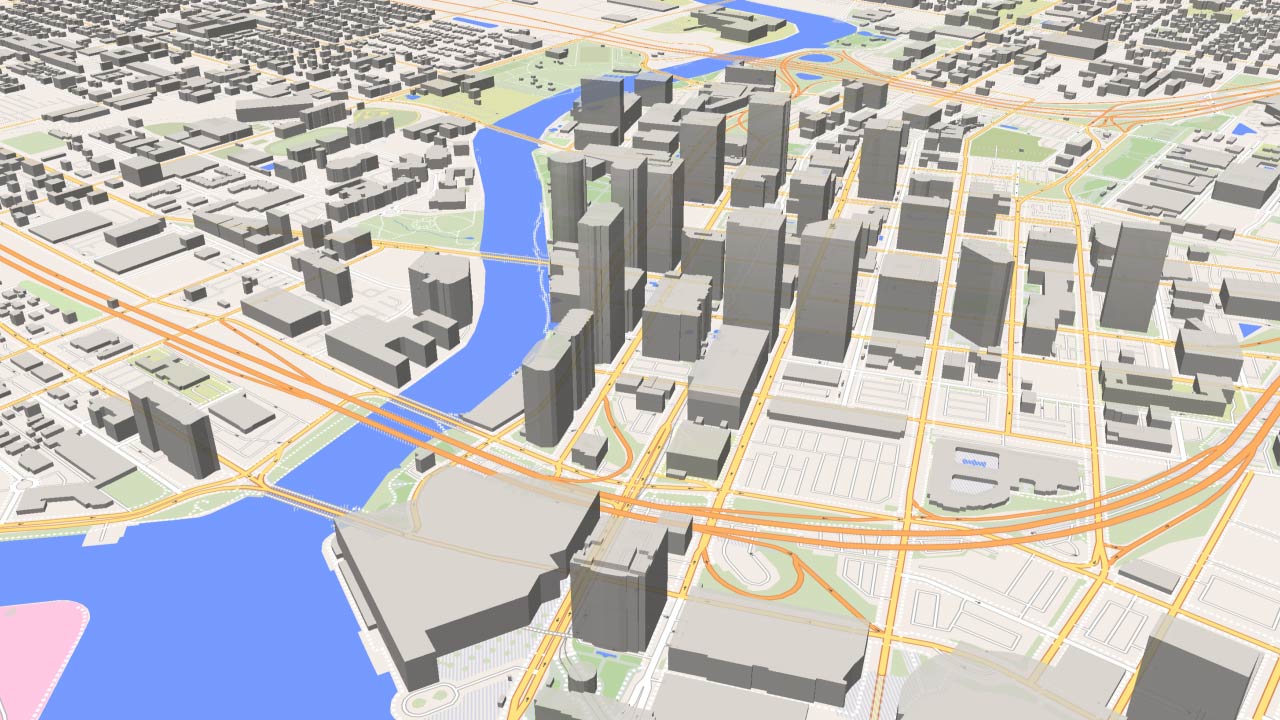
Build cinematic, laser-straight camera moves. Add markers, choose your style, and export as a 4K MP4 video or generate a tracking script directly for Adobe After Effects.
Credentials stay in this tab and are not saved in the project.
Logo variants
Export to After Effects
Creates animated 2D tracking Nulls and text layers for ordinary markers. KML points are excluded.
Creates an animated camera and stationary 3D track points on the map plane. KML overlays, highlighted regions and demographic rings become editable 3D Shape Layers. KML points are excluded. For the matching MP4, switch off the corresponding overlay categories to avoid duplicates.
Project Settings
Aspect Ratio
Resolution
The map frame is the exact video area. Resolution changes pixel count while keeping the same composition.
Duration (s)
Frame Rate
Changes apply immediately.
Unsaved Changes
Import markers
Callout Builder
Discard unsaved changes to this set?
Element animation
Elements
Blocks control Draw in timing. Elements remain visible after their animation completes.
VidTech Studio Interactive Tour
Welcome to VidTech Studio! This guided tour will walk you step-by-step through every button and feature in the studio.
Step 0 of 6
Shortcut
Action
Space
Play / pause.
← / →
Move the playhead one frame backward / forward.
Shift + ← / →
Move the playhead 10 frames backward / forward.
I
Move the playhead to the selected layer's start.
O
Move the playhead to the selected layer's end.
{
Align each selected layer's start to the playhead. Keep its duration.
}
Align each selected layer's end to the playhead. Keep its duration.
Alt + {
Set each selected layer's start to the playhead. Keep its end fixed.
Alt + }
Set each selected layer's end to the playhead. Keep its start fixed.
Ctrl + click
Add or remove an individual layer from the selection.
Shift + click
Select a range of layers.
Ctrl + wheel
Zoom the timeline around the pointer.
Drag a callout on the map
Move its body relative to its fixed point. Escape cancels the move.
Ctrl + Z
Undo the last edit. A group action is undone together.
Delete / Backspace
Delete the selected layers.
Esc
Cancel KF map editing, close a dialog or clear the selection.
Callout Builder
Space
Play / pause anywhere in Builder except text, numeric or select fields. Playback loops automatically.
Left / Right
Step the Builder playhead one frame. Home / End seeks to its start / end.
Ctrl + wheel
Zoom the Builder timeline around the pointer. Alt-drag disables magnetic snapping.
Ctrl + Z
Undo a Builder edit. Ctrl+Shift+Z redoes; Esc cancels a timeline drag.
Ctrl + S
Save the Builder style set to the project's Callouts list.
Space + drag
Pan the Builder canvas; drag empty canvas to pan without Space.
For multiple selected layers, I / O use the earliest start / latest end. { / } align each layer independently; intervals between layers are not preserved. Alignment stays within project bounds, and trimming keeps at least one frame.
The bracket keys also work without Shift and with a Russian keyboard layout. Layer shortcuts do not run while typing in a field or while a dialog is open. On macOS, Cmd also works for selection, Undo and timeline zoom.
VidTech Studio V1.0
VidTech Engine System
VidTech Studio is a high-precision web studio engineered for creating professional animated 2D/3D map videos with seamless motion graphics integration.
Active Capabilities & Features
Laser-Straight 3D/2D Camera Engine: Mathematical linear flight interpolation using Mercator projection.
Add Markers Studio: Dedicated popup studio with hybrid satellite map to collect, draft, and color custom location pins.
Voiceover & Audio Sync: Import voiceover or music tracks directly into the timeline for precise camera synchronization.
Exact Duration Input: Click a timeline block to edit its exact duration and other settings in Inspector.
After Effects Exporter (.jsx): Generates complete ExtendScript comps featuring 2D screen-tracking Nulls and auto-parented Text layers.
Multi-Pass Offline Renderer: In-browser WebCodecs MP4 rendering up to 4K resolution (Clean Map, Map + Labels, Map + Markers).
Geo-Highlight & US States: Live Nominatim border polygon vector highlight and instant framing for US states.
Multi-Style Vector Engine: Instant style switching between Light, Voyager, Positron, Dark Matter, Satellite, and Hybrid.
Add Markers Studio
Search locations and collect them as drafts. They are added to your main map when you save.
New Draft Markers
Existing Map Markers
Click directly on the map to add a custom pin
Select US State
Centers the camera perfectly on the selected state and adds it to the timeline tracking.
Multipass Rendering
Select the layers you want to export. Each generates a separate 4K MP4 file perfectly synchronized for compositing.
Switch off categories exported as separate Shape Layers in After Effects.